Before I draw a screen, I want to know who has to remember what.
MomOps · Care load
The pickup changed. Who tells everyone?
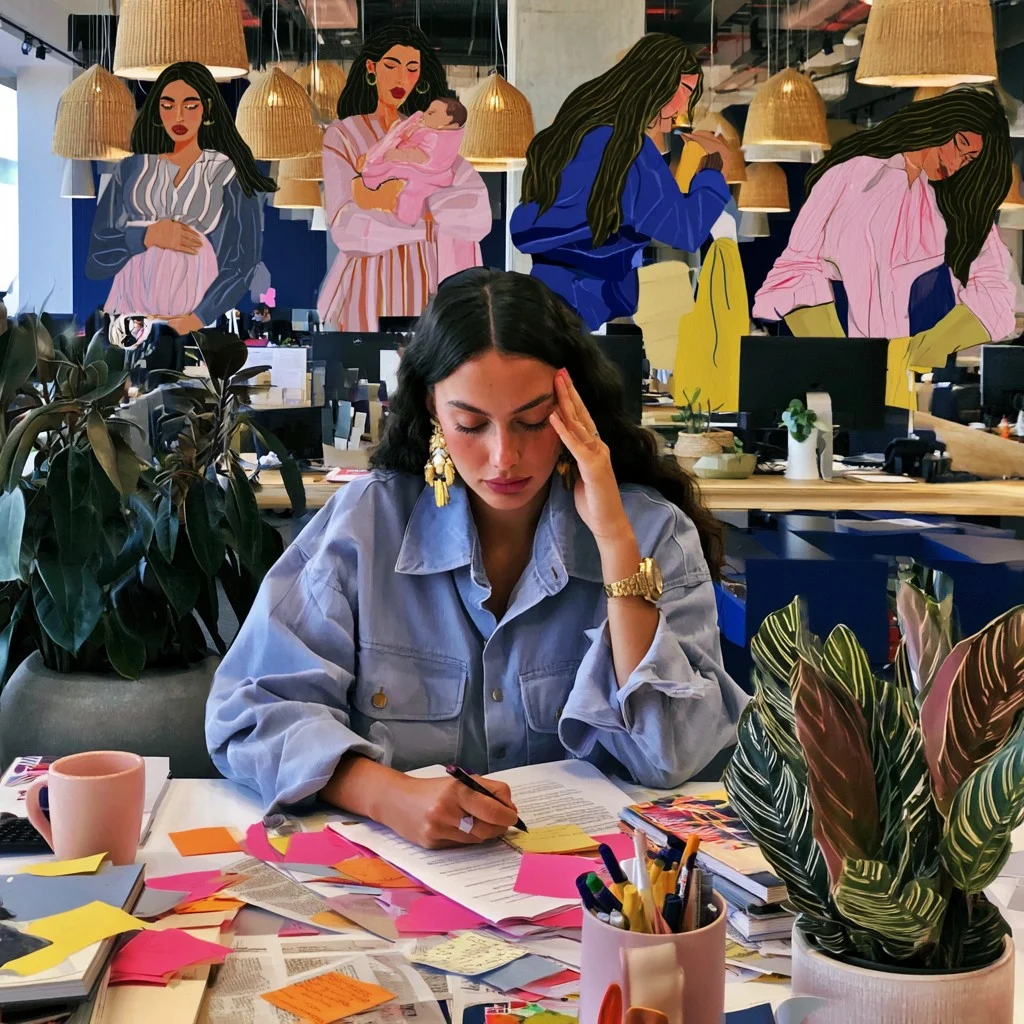
A nursery calls. Someone has to rearrange pickup, tell the other parent and move a meeting. That coordination is care work. A calendar shows the new time. It rarely shows who made it possible.
Care Under Load · Cognitive load
Now come back to the screen.
What the person is carrying
Which page was I on? Did the link save? What was I going to do with it? Reconstructing that context is cognitive work the interface can help with.
I ask someone to walk me through a real task. When they open a spreadsheet or message a colleague, I ask what they needed at that moment.
Sketch it together
I bring that moment to product and engineering. We draw who was involved, what was missing and two ways the product could help. Then we give someone a prototype to try.
Workflow research · Illustrative CRM pilot
Who is involved in a quote?
I start the organogram with the people who talk to the customer and the people who know the lab schedule.
CRM pilot lead
Commercial leadAccount manager
Lab leadLab coordinator
Workflow research · Illustrative CRM pilot
Who can promise a date?
An account manager needs a turnaround time before sending the quote. I follow that question to the lab. That tells us where an answer belongs in the CRM.
CRM pilot lead
Commercial leadAccount manager
Lab leadLab coordinator
Requests timing →
ReturnKit Capture · Alternative sketch
What if saving meant filing first?
You find a useful page just as your child calls. This version makes you choose a folder before you can leave.
Find a page
Choose a folder
Save the link
ReturnKit Capture · Shipped design
One click gives the page a home.
Capture puts the page in an inbox. Now sorting can wait until you have time. The product carries the link across the interruption.
I’d ask a participant to save a page, switch tasks, and find it again the next day. I’d watch their first click and ask what told them the page had been saved.
What I’d change
If they search the browser history first, I’d prototype a confirmation that names the inbox and opens it. Then I’d repeat the same task.
FemHealth Science · Product direction
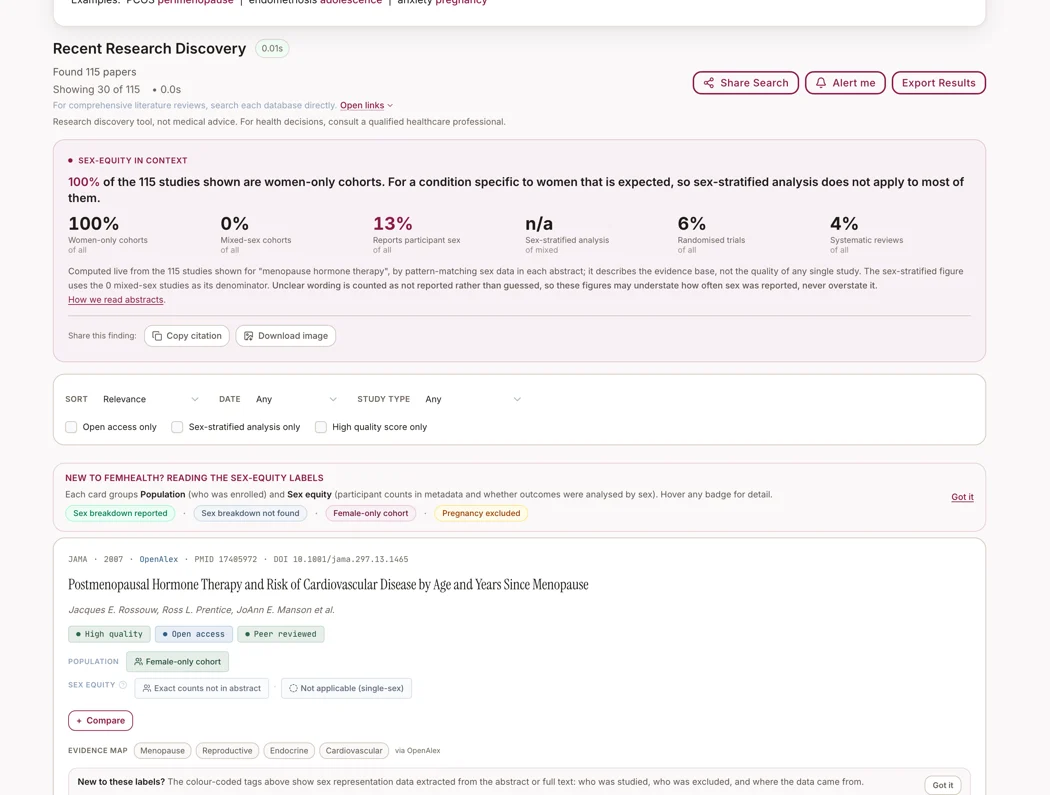
Skincare led me to PubMed.
I kept looking for the studies behind women’s health claims. That changed the brief. I built a way to search the research and open the original paper.
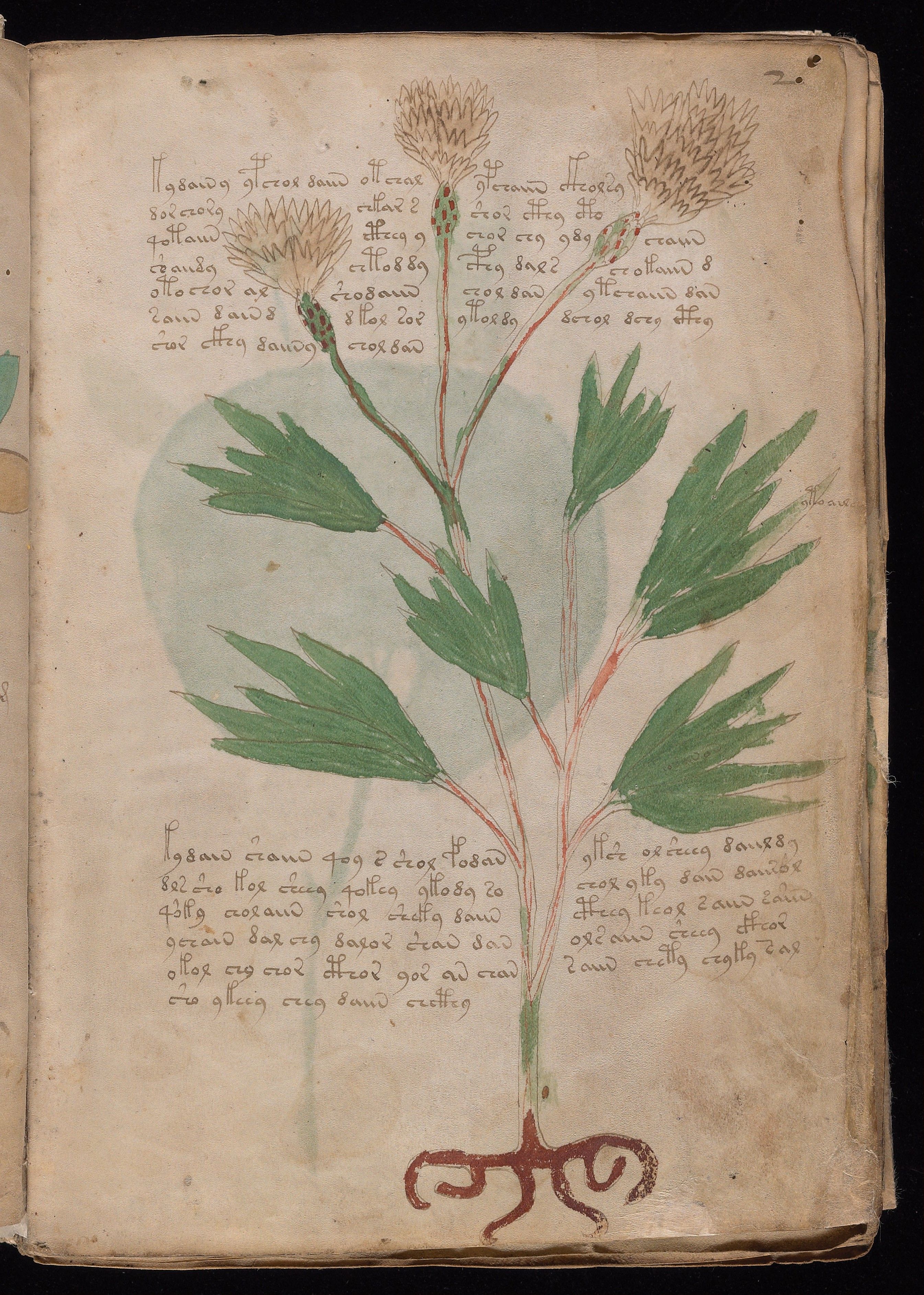
A proposed reading of the Voynich manuscript caught my attention. I traced interpretations to their sources and checked the claim against patterns in the manuscript.